Waterdrop
Replacement Filters

Waterdrop Replacement Filters

Enjoy clean and safe drinking water at all times with hassle-free ordering of filters!

Popular Systems

Tip: The model is usually found in your order details, or on the back or side of the unit.

Up To 10% Off Every Order
Ships on Your Schedule
Enjoy Free Shipping
Join or Cancel Anytime
  • X16 & X16-S

    X16 & X16-S

  • X12 & X12-B

    X12 & X12-B

  • G3P800

    G3P800

  • G3P600

    G3P600

  • K6

    K6

  • X8-A

    X8-A

  • X12-PRO

    X12-PRO

  • X8-PRO

    X8-PRO

  • X8

    X8

  • X12-Basic

    X12-Basic

  • G5P700A

    G5P700A

  • G5P700

    G5P700

  • G5P500A

    G5P500A

  • G5P500

    G5P500

Replacements For

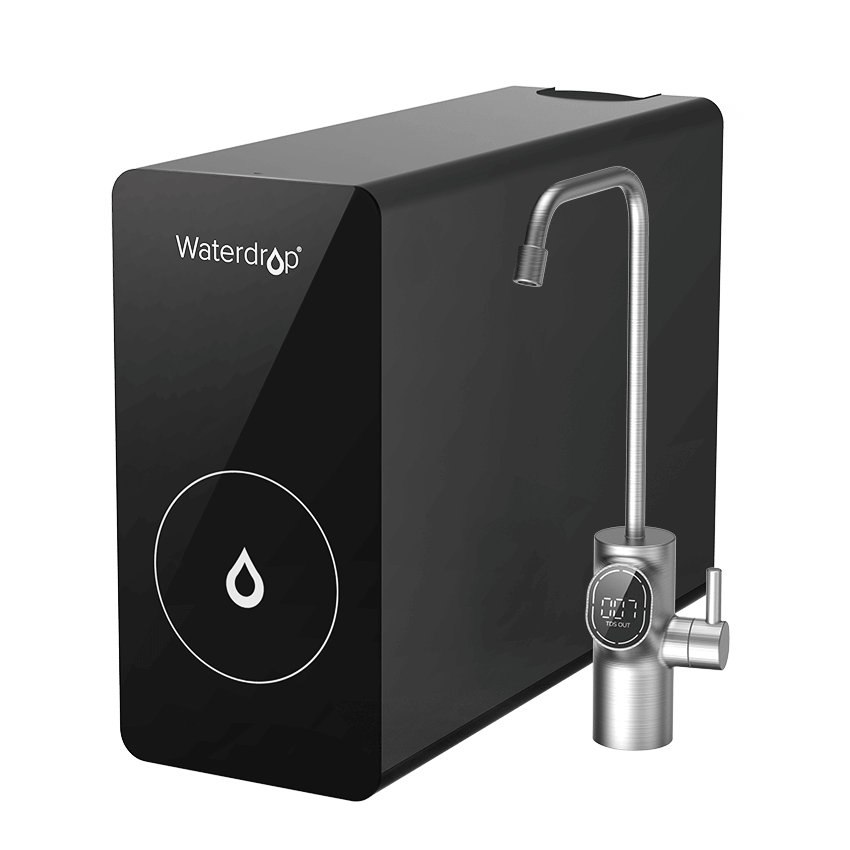
X16 Undersink RO System

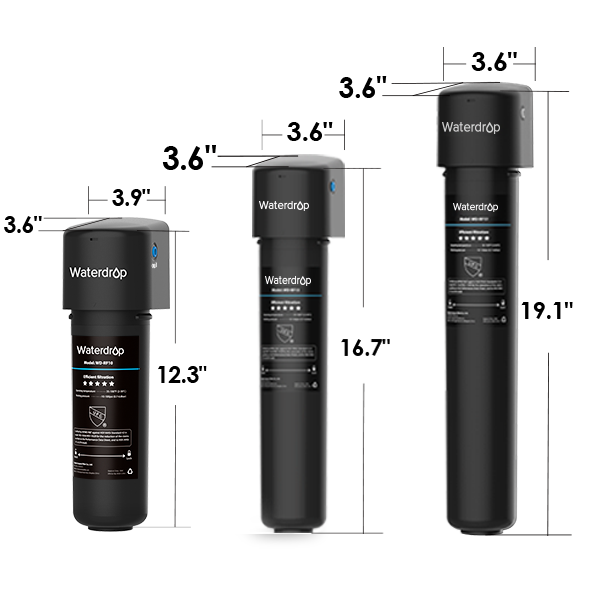
Enjoy hassle-free filtration with easy 3-second replacements. F2 lasts 6 months, F1A lasts 12 months, and F3 lasts 24 months.

F2 Filter for Waterdrop X Series Reverse Osmosis System

F2 Filter for Waterdrop X Series Reverse Osmosis System

$30.99

Replacement for X Series

F1A Filter for Waterdrop X Series Reverse Osmosis System

F1A Filter for Waterdrop X Series Reverse Osmosis System

$32.99

Replacement for X Series

X16-F3 Filter for Waterdrop X16 Reverse Osmosis System | 1600 GPD

X16-F3 Filter for Waterdrop X16 Reverse Osmosis System | 1600 GPD

$179.99

Replacement for X16

FAQ

Curious about how the filter works? Our FAQ section covers everything from filter lifespan to installation tips for clean, pure water every day.

Contact Us

What is RO replacement filters?

RO replacement filters are essential components used in reverse osmosis water filtration systems. These filters are designed to remove impurities and contaminants such as chlorine, heavy metals, and bacteria, ensuring that your water remains clean, pure, and safe for drinking. Regular reverse osmosis filter replacement is crucial to maintain the system's performance.

How do I know when to replace RO filters?

Waterdrop RO systems come with an intelligent faucet that provides real-time reminders for filter replacement. Depending on usage and water quality, our filters typically last between 6 to 24 months, ensuring you always enjoy pure and safe water.

What are the steps for replacing an RO filter?

Replacing an RO filter cartridge is easy:

  • Turn off the water supply.
  • Remove the old filter.
  • Install the new replacement filter.
  • Turn the water supply back on and run the system to ensure it’s working properly.

Following these simple steps will ensure a smooth reverse osmosis filter replacement process.

What Is Subscribe & Save?

"Subscribe & Save" is a Waterdrop Program offering a 5% discount when you sign up for regular, automatic deliveries of eligible replacement filters. You can often choose the delivery frequency, and there is no commitment as you can cancel at any time.

Why subscribe?

Save on every shipment

The correct filter, right on time

You're in control

Subscribe more. Save more.

Save up to 10% off when purchasing products in one auto-delivery to one address.

How to skip your next delivery?

Go to manage your account or send an email to us.

How to change your Subscribe & Save delivery schedule or quantity?

Go to manage your account or send an email to us.

On the Deliveries tab you will see a blue link with your auto-delivered frequency (such as, Auto-delivered: Monthly).

Click on the frequency.

This will lead you to a page where you can change your quantity, frequency, and next delivery date.

How to change your Subscribe & Save payment method?

Go to manage your account or send an email to us. You have two options:

To change your payment method for all subscriptions, click Settings, and then click Change Payment Method.

Or, to change the payment method associated with a single subscription, click Deliveries or Subscriptions. Click the subscription you want to edit and then click Change Payment.

Why did the price of my item change?

While you will always receive a Subscribe & Save discount, individual product prices can go up or down over time. If the price of your subscribed product changes, the new price will be displayed in your order review email and will be applied only on future shipments. You can review your subscription price and edit or cancel your subscription at any time.

Need help?

Contact customer service | Terms & Conditions

Where can I manage my subscription?

You can manage your subscription easily through your Waterdrop account. Start by logging in to your account with your email and password. Once logged in, navigate to the "Manage Subscription" section, where you can view, adjust, or update your subscription settings to best fit your needs.

How to cancel the subscription?

To cancel your subscription, start by locating the "Cancel Subscription" option. Begin by clicking on this option, which will guide you through a brief confirmation process. After confirming, your cancellation will be marked as successful, and the subscription status will update to "closed." This process ensures that your subscription is fully terminated, providing you with a seamless cancellation experience.

How to resume the subscription?

First, click the "Resume Subscription" button. Then, confirm your selection by clicking "Confirm." Once completed, you’ll see a success message, indicating that your subscription has been reactivated successfully.

How to add subscribed products?

To add a subscribed product to your list, follow these straightforward steps. Begin by clicking on "See more details" of a subscribed product. From there, click on "Add Product." Then, locate the product you wish to add, and once more, click "Add Product" to confirm. You'll then receive a successful confirmation, and the newly added product will instantly appear in your subscription list. This process allows you to easily manage and update your selection of subscribed products.

How to find out the shipping time for the next delivery of subscribed products?

To view the shipping time for your next scheduled delivery, simply go to your account page and click on “Scheduled.” Here, you’ll find an overview of your upcoming orders, including the estimated shipping times for each one, making it easy to stay updated on when your products will arrive.

How to change shipping address?

To change your shipping address, follow these steps. First, select "Product Shipping Info-Edit." Then, choose "Current Address-Edit" to access your existing details. After updating the information, simply click "Save" to apply the changes. Once saved, your new shipping address will be successfully updated.

How to modify payment information?

Start by navigating to the "Payment Details" section on your account page. Click "Edit," then select "Send Email" to initiate the update process. Check your email for a message titled "Update your payment method for Waterdrop" and click the link within labeled "View payment information." This will take you to a secure page where you can modify your payment details. Once you've made your changes, simply click "Update card" to save them.

This quick process ensures your subscription stays active with up-to-date payment information.

How to skip the shipping for the next order?

You can directly click “Skip Order” to skip the shipping for the next order. If the order contains multiple products and you want to skip shipping for a specific product in the next order, you can directly edit “Edit Skip For Next Order” under the corresponding product.

How to change the shipping time for the next order?

First, click on "Next Order-Reschedule" in your account settings. Then, select your desired shipping time from the options provided and click "Update" to confirm. Once completed, you’ll see a success message indicating that your changes have been saved, and your next order will ship at the updated time.

How to change the shipping frequency?

First, click on "Order frequency - Edit Frequency" in your account settings. Next, adjust the quantity and unit for the desired shipping frequency. Once you’ve made your changes, click "Update" to save your new shipping preferences.

How to change the quantity of subscribed products?

To change the quantity of subscribed products, begin by clicking on "Product in this subscription-QUANTITY." Next, locate the edit icon, where you can directly modify the desired quantity. Once you've adjusted it, click "Update" to finalize your changes. Your update should now be successful, reflecting the new quantity in your subscription details.

How to find the detailed information of subscribed product orders?

Detailed information about each order will be sent to you via email. The email mainly includes the product information you ordered, the price, your shipping address, and notes on the estimated shipping time for the next order.